
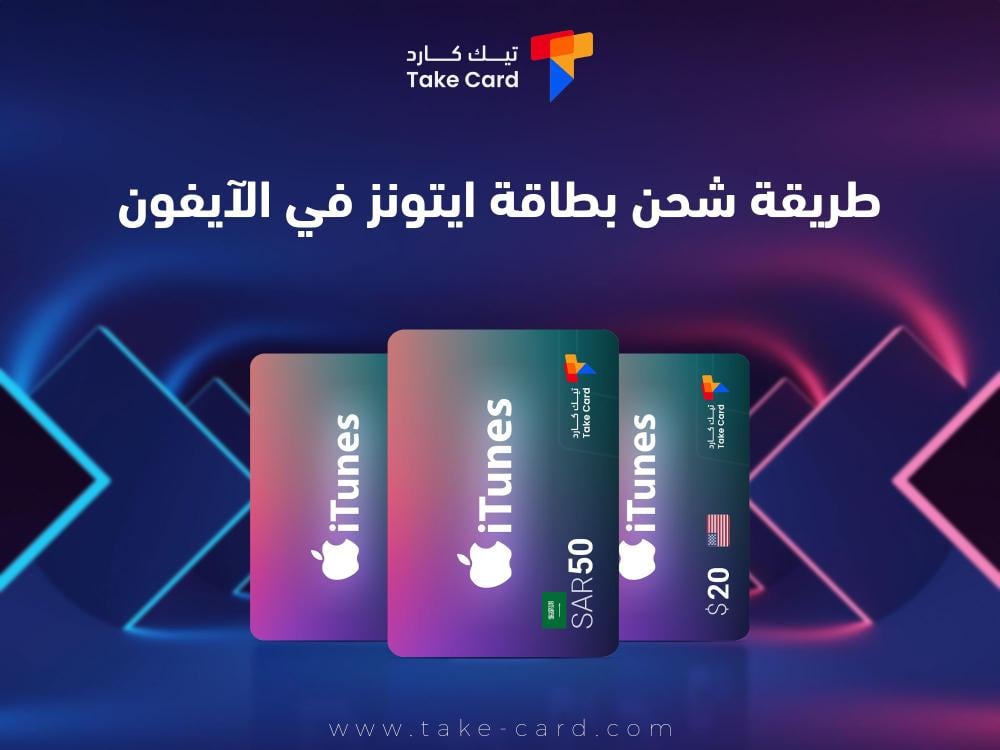
TechCard offers a professional way to top up iTunes cards on iPhones. In addition, it provides packages for topping up games and programs of different categories that are suitable for all ages, especially children. Our team guarantees you an ideal shopping experience with competitive prices inside the store, and great offers, in easy and fun steps.
How to redeem an iTunes gift card on an iPhone
- The first step is to go to the Apple Store and log in to your account.
- Log in to your account information within the Apple Store.
- The next step is to click on the redeem code box.
- Then write the code that was sent from the TechCard store.
- The final step is to press the "redeem" button to renew your account.
What is an iTunes gift card on an iPhone?
An iTunes gift card is a card used to purchase packages of software, games, music, and books. It is obtained through the TechCard store in an organized and simple way, but the user cannot benefit from the card if an account is not created in the Apple store.
iTunes cards are not used to download apps but are used to purchase digital content packages. Sometimes the user needs to get a refund after purchasing the card, so the user should make sure of the amount of money they want to ensure that it suits their needs.
Each iTunes card must be linked to the country of use, for example, "If the user is American, they should use an American iTunes card," while "If the user is British, they should use a British iTunes card."

To buy the best apps at competitive prices, get a 50 iTunes card from TechCard store and enjoy a complete entertainment experience with a simple usage method guaranteed by following the correct purchase steps.
Types of iTunes gift cards on iPhone
TechCard store offers a way to redeem iTunes gift cards on iPhones and also offers various iTunes gift card packages, including:
- US iTunes gift cards are available at TechCard in denominations of $5, $10, $15, $20, $25, $50, and $100.
- In addition, Saudi iTunes cards are available in denominations of 50 Saudi Riyals, 75 Saudi Riyals, and 100 Saudi Riyals.
- Cards are also available in multiple colors and shapes, making them one of the best gift options.
Features of iTunes gift cards on iPhone
iTunes gift cards from the TechCard store offer many benefits to iPhone users. Here are the most prominent features of the cards:
Smooth use
- TechCard store is characterized by its ease of use, as the customer can follow the fastest way to top up an iTunes card on the iPhone within the store.
Providing a comfortable user experience
- TechCard store provides a convenient user experience where they can purchase iTunes cards in a simple way without having to enter credit card information.
Easy access to multiple stores
- Customers can obtain iTunes cards to purchase digital content from several stores within the iPhone, for example: the App Store, the Apple Store, and the iTunes Store.
Giving iTunes cards as a gift
- Customers can give iTunes cards as gifts to friends on special occasions, as TechCard store offers the freedom to choose digital content from apps, in addition to providing an ideal way to top up iTunes cards on iPhones.
User Budget Management
- The user can better control their expenses, as iTunes cards are an alternative to credit cards, and they can load a certain amount into the cards and spend only within that amount, making it easier to control budget management.
Card variety
- TechCard offers different categories of iTunes cards starting from $5 so that the customer can buy the card that suits his budget.
Card Collection
- TechCard store offers the feature of combining cards into one card, so if the customer receives more than one card as gifts, he can combine the card balance into one card.
Supports all platforms on iPhone
- iTunes cards support the use of all platforms similar to the iPhone ecosystem, for example, iPads, computers, and Windows-based devices.
Obtaining different subscriptions
- TechCard store offers various subscriptions that customers can obtain through iTunes cards, for example, "annual subscriptions, monthly subscriptions, weekly subscriptions".
Implementing precautionary measures for the customer's digital security
- Users can use iTunes cards as an alternative to credit cards, as this reduces the risks associated with sharing credit card information.
expiration date
- iTunes gift cards do not have an expiry date, so the user can get a refund at any time they want.

To save your time and receive digital content at maximum speed, don't hesitate to buy a $100 iTunes card from TechCard store to enjoy unlimited benefits with a guaranteed safe and reliable user experience.
TechCard Store Product Return Policy
Product return policies vary from store to store. Below, we present the refund policy from TechCard store in the following points:
- The iTunes card is used only once and cannot be redeemed thereafter.
- TechCard store is not responsible for damage to or loss of the item after receipt.
- TechCard store is not responsible for any purchases made in error, or for incorrect data entered that may result in significant losses.
- The process of getting a refund through the bank takes between 24 hours and 5 days.
- After following the method of redeeming an iTunes card on the iPhone, the customer must enter the code correctly because the cards and electronic vouchers are very sensitive to characters.
- Electronic vouchers and cards are only refundable if they are faulty on the part of the store.
The most common problems a customer might encounter while topping up an iTunes card
iTunes card users face many problems while redeeming the card. Here are some solutions to problems that customers may encounter:
Invalid code
- Most users encounter a problem when following the method of redeeming an iTunes card on the iPhone and entering the card code, so you must check that the code is entered correctly if it contains letters and numbers in different shapes.
- In addition, it must be ensured that the code has not been used before, and that the code is compatible with the geographical area of the country, as some codes are used only in certain countries.
Internet problems
- A problem may occur during card charging if the customer's internet connection is weak, so you should make sure the customer is connected to the internet correctly, or try connecting to the network again.
Store and device update
- The user may encounter a problem if the software or device is not updated, so it should be checked that the software is updated to the latest version and the iPhone device is also updated.
Apple account problems
- Some problems may arise if the account is not logged in correctly, so you should check that there are no account restrictions that may affect the charging of iTunes cards.
State-related problems
- iTunes cards may be specific to a particular country, meaning they cannot be used in other regions, so you should make sure the card is compatible with the geographical area.
Shipping problems
- Some users may encounter a problem related to the immediate addition of the balance to their account. Therefore, after following the method of charging an iTunes card on the iPhone and writing the code, check if the balance has been added to your account. If the balance has not been added at the same time, you should contact support for assistance.
At the end of the article, the method of charging an iTunes card on the iPhone is one of the simplest operations when using the TechCard charging store, where the customer can enjoy an ideal digital content purchasing experience, whether it is games, music, movies, or programs, and get different features from the store such as offers and discounts throughout the year.
Read also: Learn about the best game store and its features